

Knowledge, in human terms.
54 articles covering what to know before making a decision: costs, risks and questions worth asking before signing a contract.

Modernisation of IT infrastructure in a small company - case study
Modernising the IT infrastructure in a small company did not start with choosing a router. It started with determining what eight workstations, several printers and the server with the ERP system were actually working on, since the Internet was regularly disconnected, there was no Wi-Fi, and no one had a full picture of the network. We show the existing condition, the scope of work performed and the project boundaries without providing the client's name and without adding results that we did not measure.
ReadBusiness networks 19 articles
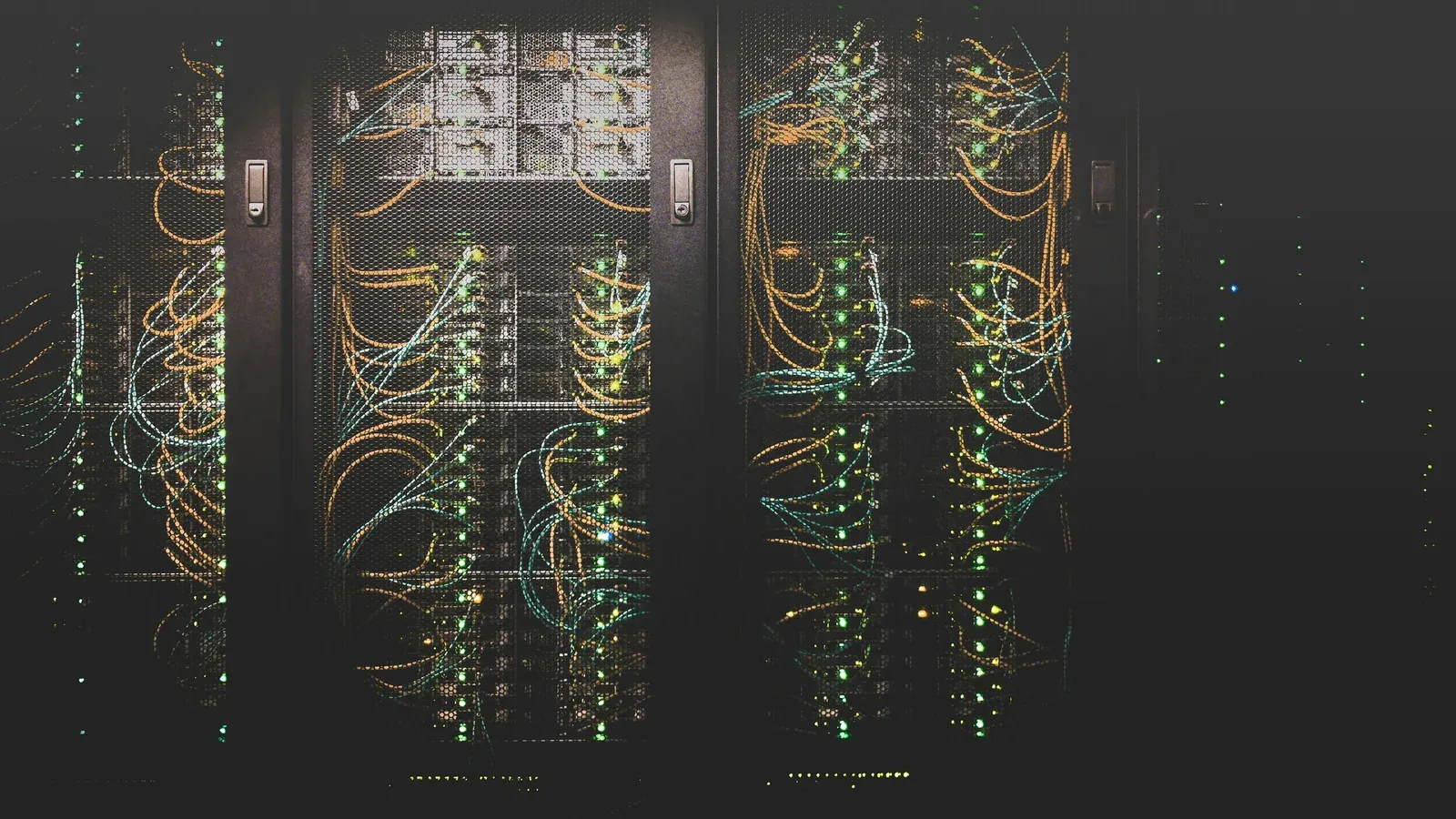
Rack cabinet in a small company: what should it contain
In a small company, a rack is a distribution point that provides access to the network, devices and documentation, not a storage space for equipment. This article shows you how to plan its contents, power supply, cooling, physical access and development space so that every subsequent change does not start with untangling cables.

PoE in the enterprise network: switch power budget
One cable instead of two is the greatest advantage of powering over Ethernet and at the same time the source of the most common mistake when shopping: assuming that all PoE is the same. This article explains how the standards differ, how to calculate the PoE power budget for a switch and how to know when it has run out.

Roaming Wi-Fi: why the phone keeps a weak signal
The phone passes through the office, past two access points with a strong signal, and then sticks to the third, weakest one. This is not a bug, but the way Wi-Fi roaming works in the company: the decision is made by the client device, not the network. This article explains the mechanism, shows what can be done about it on the network side, and says directly what cannot be done.
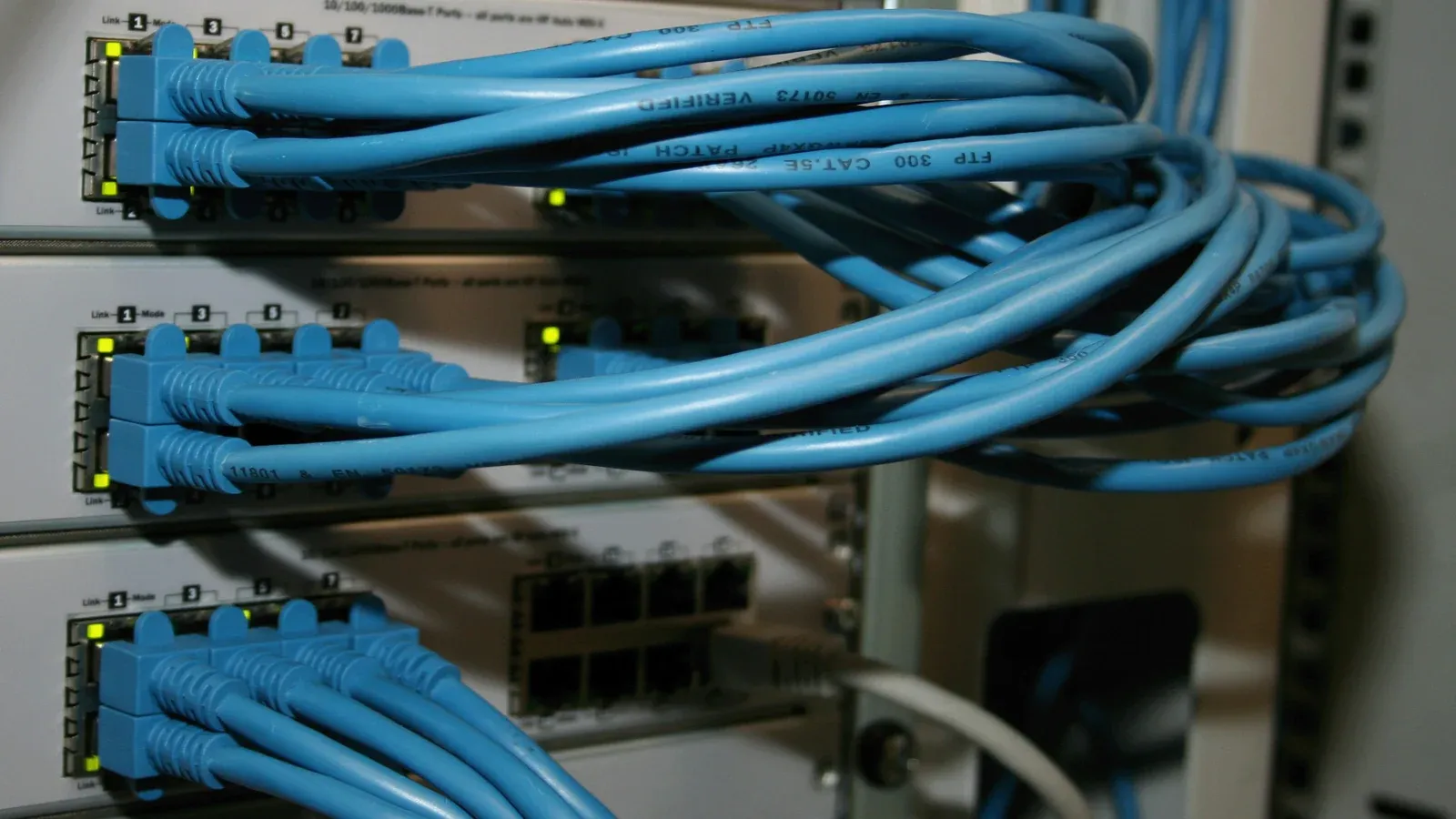
Cat6 or Cat6A in the company: where is the decision threshold?
Cat6 or Cat6A is a decision about a spare for several years, not about which cable is better. This article shows where the real threshold is between them, why the cable itself is not the entire track and when the price difference is not worth it.

Wi-Fi for hotel and guesthouse: what is different
Wi-Fi for hotel and guesthouse is part of the service sold, not supporting infrastructure. This changes requirements in five places at once: placement, login, operational network separation, guest service, and maintenance. This article describes each of them.

How to prepare your company for network valuation
Preparing for a network valuation comes down to a few simple things that shorten the entire process and make it more accurate, and none of them requires knowledge of the network. This article collects them into a checklist, explains the importance of each point and shows why an inaccurate quote may result in an annex.

Firmware updates of network devices in the company
Firmware updates for network devices bring bug fixes and security gaps, but each of them means a restart, i.e. a break. This article describes how to plan your service window, what order to update, when to consciously wait, and why it's a recurring, not a one-time, activity.
Questions for the network contractor before signing the contract
Good questions for the network contractor, asked before the contract, save more than many price negotiations, because they reveal what exactly the order is about. This article collects them in six areas and explains in each one why they should be asked and what should be disturbing in the answer.

Remote corporate network management: how it works
Remote management of the company network means you don't have to be on site to see what's happening there. This article explains the difference between a cloud panel and a VPN connection, what can and cannot be seen remotely, who should have such permissions and why it is the foundation of multi-location support.
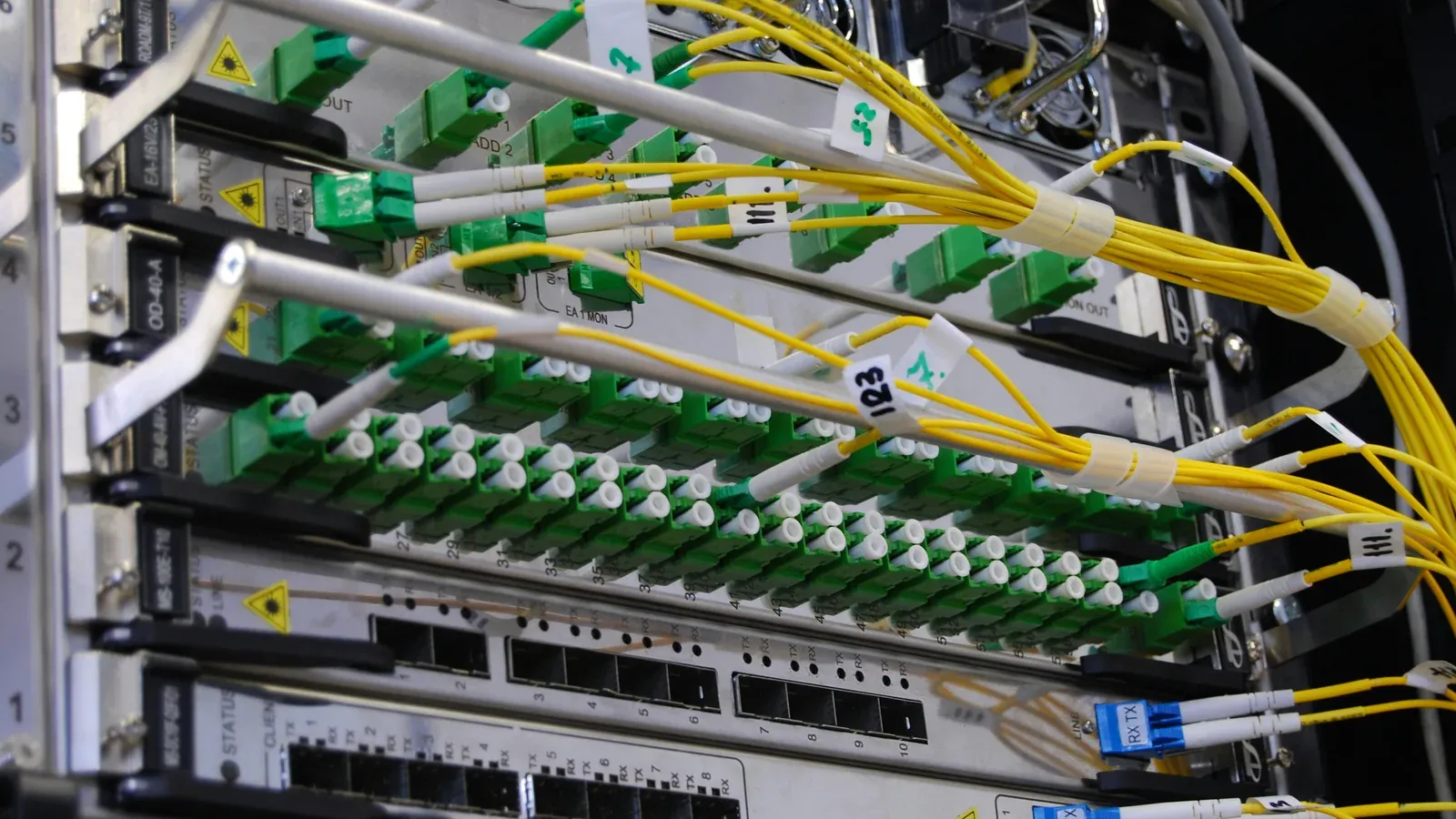
Network acceptance protocol and as-built documentation
The network installation acceptance protocol is not a formality, but a document that states exactly what was done, tested and handed over. This article describes what it should contain, what is the difference between a continuity test and a certification measurement, and what must remain in the company after the work is completed so that the network is not dependent on the contractor.

Wi-Fi in the hall and warehouse: why shelves attenuate the signal
Wi-Fi In a warehouse, different rules apply than in an office, because metal shelves and variable merchandise layout reflect and attenuate the signal in a way that cannot be predicted from behind the desk. This article explains why the hall behaves differently, why adding access points usually does not help and what exactly changes the on-site measurement.

How to secure your corporate network: four basics
The question of how to secure a corporate network is not answered in one purchase, but in four things done in the right order: know what is on the network, divide it, organise administrative access and update devices. This article describes each of them, points out what they don't do, and says directly which of them require constant supervision.

How many access points are needed in the office?
There is no conversion factor from square metres to the number of access points, so the question of how many access points an office really needs is resolved differently. The result depends on the number of devices, the arrangement of partitions and what this network has to carry. This article shows which dimensions actually determine why adding equipment can make the situation worse and what to prepare to make the selection make sense.
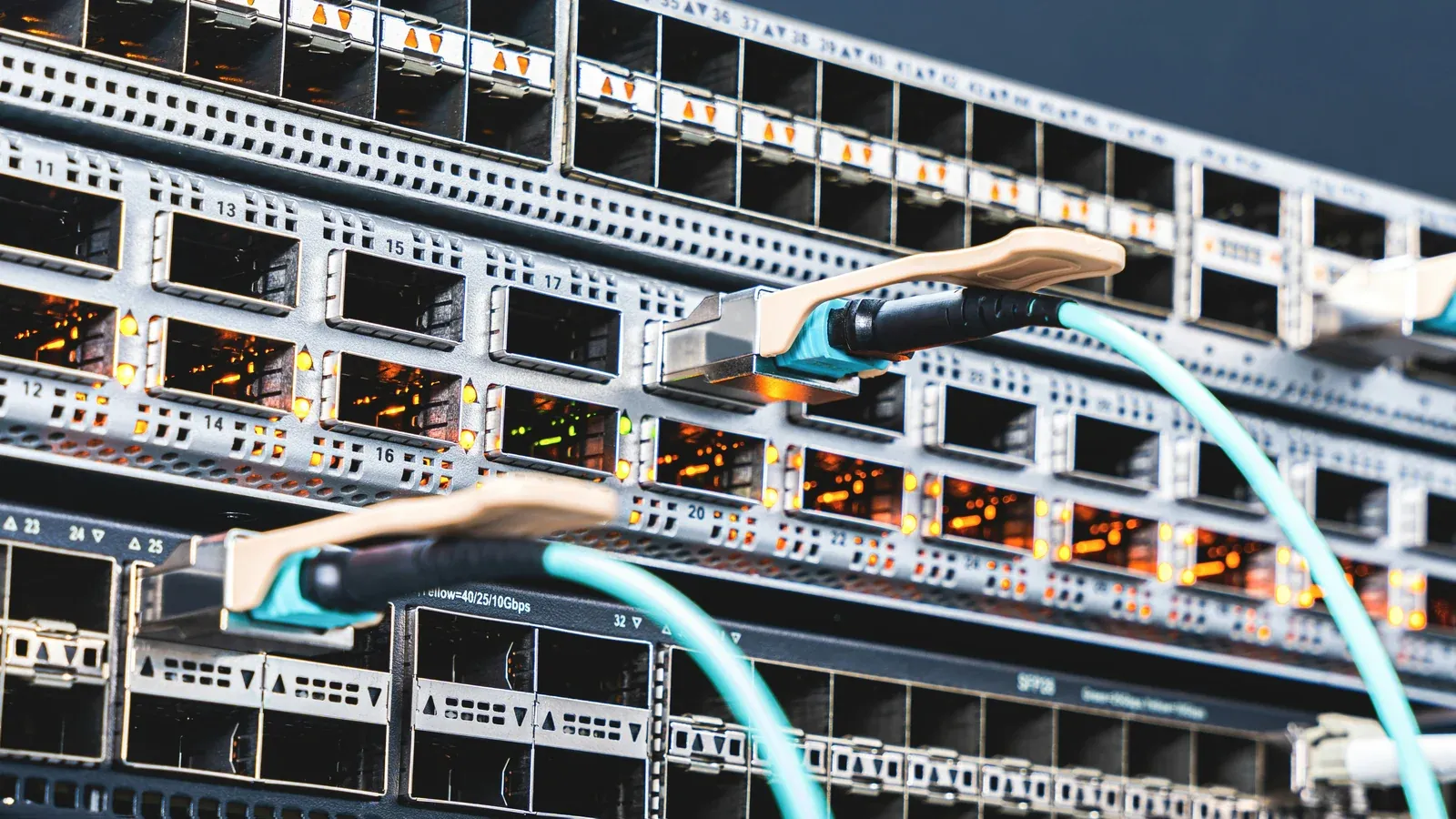
Network modernisation in an active company without downtime
Modernising your corporate network without downtime is more a matter of sequence and contingency plan than the hardware itself. This article describes what to determine before work, how to limit the break technically, when a break is inevitable and why we do not specify the number of days in advance.

Router from the operator and managed corporate network
It's not a choice between two devices from the same shelf. A router from the company's operator provides the Internet to the building, and the managed network allows you to control what is happening inside. This article shows what exactly the management layer changes, when the operator's equipment is completely sufficient and how to know when it stops.
Corporate network running slow? How to diagnose the cause
"Network is slow" is a symptom, not a diagnosis. A slow network in a company is caused by one of three layers, so before you replace the router or buy access points, it is worth determining in which of them the problem actually occurs. This article walks you through a sequence that saves you money: from clarifying the symptom, to separating the layers, to when purchasing equipment makes sense.
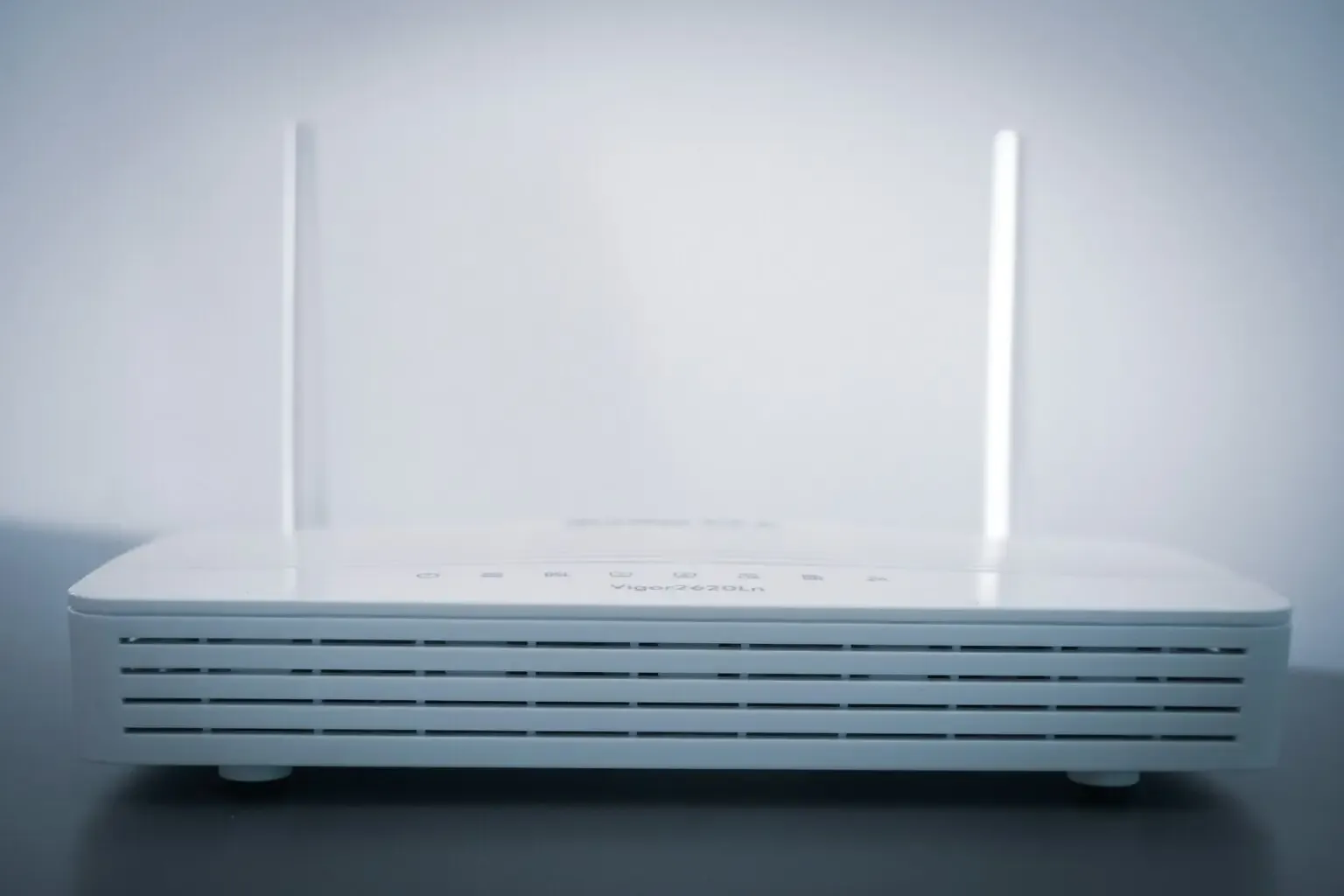
Ubiquiti UniFi for companies: opportunities and limitations
UniFi can make it easier to centrally manage a company's network, but it won't fix poor radio design, cabling, or segmentation. We discuss ecosystem components, uses, and limitations.

Ubiquiti UniFi Ecosystem: Why NexaIT Uses It
UniFi combines the management of selected network devices in one ecosystem and does not require a recurring licence for basic controller functions. We explain why we use this platform and in which projects we choose other solutions.

How to design a Wi-Fi network in the office so that it works for years
Wi-Fi stability depends on radio design, access point placement, network capacity and building conditions. We explain how to separate local network problems from operator connection problems.
IT care 14 articles

Remote and on-site IT support: how it works in practice
The question "are you coming to us?" comes up in almost every first conversation, and remote and on-site IT support is a more useful answer when it is broken down into parts: what can be done remotely, what requires on-site presence and who organises it. This article describes our model without beating around the bush, including what we don't promise.

How to choose an IT outsourcing company: a practical checklist
Offers from IT companies look similar because they describe the same thing in different words. The difference is only visible when you ask for proof instead of a declaration. Here's a sheet that makes it possible and you can use it to evaluate us too.

SLA IT: what is the difference between response time and repair time
A 15-minute response sounds better than a 4-hour response until you see what happens after those 15 minutes. An SLA does not promise that the outage will disappear quickly. It promises that you always know what is happening with it.

Change of IT company without downtime: the procedure of taking over administration
Changing IT companies rarely ends badly because of technology. It ends badly when someone terminates the contract before determining who owns the domain and where the backups really are. Here's the sequence that protects business continuity.

IT helpdesk on a subscription basis or a full-time IT specialist: how to compare the models
Full-time helpdesk and external helpdesk differ in terms of scope of competences, availability, substitutability and method of settlement. We show you how to compare both models without basing your decision on price alone.

How much does IT outsourcing cost for a company? Price list and comparison rules
The price of IT support depends not only on the number of users, but also on the scope of administration, support window, SLA, infrastructure and works excluded from the subscription. We compile current NexaIT prices and show you how to compare offers on a common basis.

IT services for companies in Zielona Góra: what cooperation looks like
NexaIT serves companies from Zielona Góra and other towns in the Lubuskie Voivodeship. We show how we combine remote helpdesk, administration and scheduled technical visits.

IT services for companies in Świebodzin and the Lubuskie Voivodeship
NexaIT provides remote and local IT services for companies from Świebodzin and other towns in the Lubusz Voivodeship. We explain the scope of cooperation, how to handle requests and situations requiring an on-site visit.

When ad hoc help from an IT specialist is no longer enough for the company
Informal IT support may correspond to a simple business, but as your business grows, the importance of documentation, representation, security and agreed accountability increases. We show signals that justify changing the model.

Data backup in the company: what solution is really safe?
The quality of the backup is determined by the ability to restore the data, not the task completion message itself. We explain RPO, RTO, the 3-2-1 rule and how to test the recovery process.

IT Help for Small Businesses: What a Team of 5-20 Needs
Above all, a small business needs accessible support, controlled updates, verified backups, account protection and up-to-date documentation. The scope should be determined by the risks and the way you work, not by the number of trendy tools.

Outsourcing IT: what is it and when it really pays off?
IT outsourcing transfers the agreed scope of maintenance to an external supplier, but does not relieve the company of responsibility for decisions and supervision. We explain cooperation models, costs, benefits and risks.

Outsourcing IT for small companies: benefits, costs and cost-effectiveness
A small company is increasingly based on everyday work on computers, the Internet and applications. One failure in the system can paralyse sales, customer service or accounting for hours. Meanwhile, maintaining your own IT department can be costly and requires continuous recruitment and training. The solution that many micro and small enterprises choose is IT outsourcing, that is, entrusting IT services to external specialists.

One IT partner or multiple suppliers? Model comparison
One IT partner simplifies coordination, and multiple specialized vendors can reduce dependence on a single company. We compare both models in terms of liability, security, costs and business continuity.
Data and automation 7 articles

10 uses of n8n in the automation of company processes
n8n allows you to connect systems and automate repetitive activities, but each flow requires data validation, error handling and monitoring. We discuss ten practical applications in the company.
Self-hosting in the company: what is worth maintaining on your own
Self-hosting your application gives you more control, but shifts the responsibility for updates, security, backups, and availability onto the company. We discuss applications where this balance may be beneficial.

AI assistant for the company: document-based chatbot
An enterprise AI assistant can make it easier to find information in procedures and documents, but requires the right sources, permissions and response control. We explain how this solution works and where its limits are.

Automation of reports in the company: how to stop making them manually and regain time?
Manually submitting reports from CRM, accounting and spreadsheets takes time and makes data quality control difficult. We show you how to organise definitions, data flow, validation and exception handling.

Business analysis in a small company: what really is worth measuring
A small business can collect data in CRM, ERP, accounting software and spreadsheets and still make decisions without a full picture of the situation. We explain how to combine data and build useful reporting.

NotebookLM: how to create a corporate knowledge base supported by AI
NotebookLM helps you work with a selected set of sources, but does not replace order in your documentation or verification of answers. We show how to prepare a company knowledge base and reduce typical risks.

IT tools for a small business: how to choose without chaos
A good tool should solve a specific problem, fit the way the team works and enable secure data export. We show you how to compare an office suite, instant messenger, task system and automation.
Cybersecurity 5 articles

Cybersecurity in a small business: a practical IT audit
Basic cybersecurity audit helps detect deficiencies in accounts, updates, backups and remote access. Here are ten areas a small business can check in a structured way.
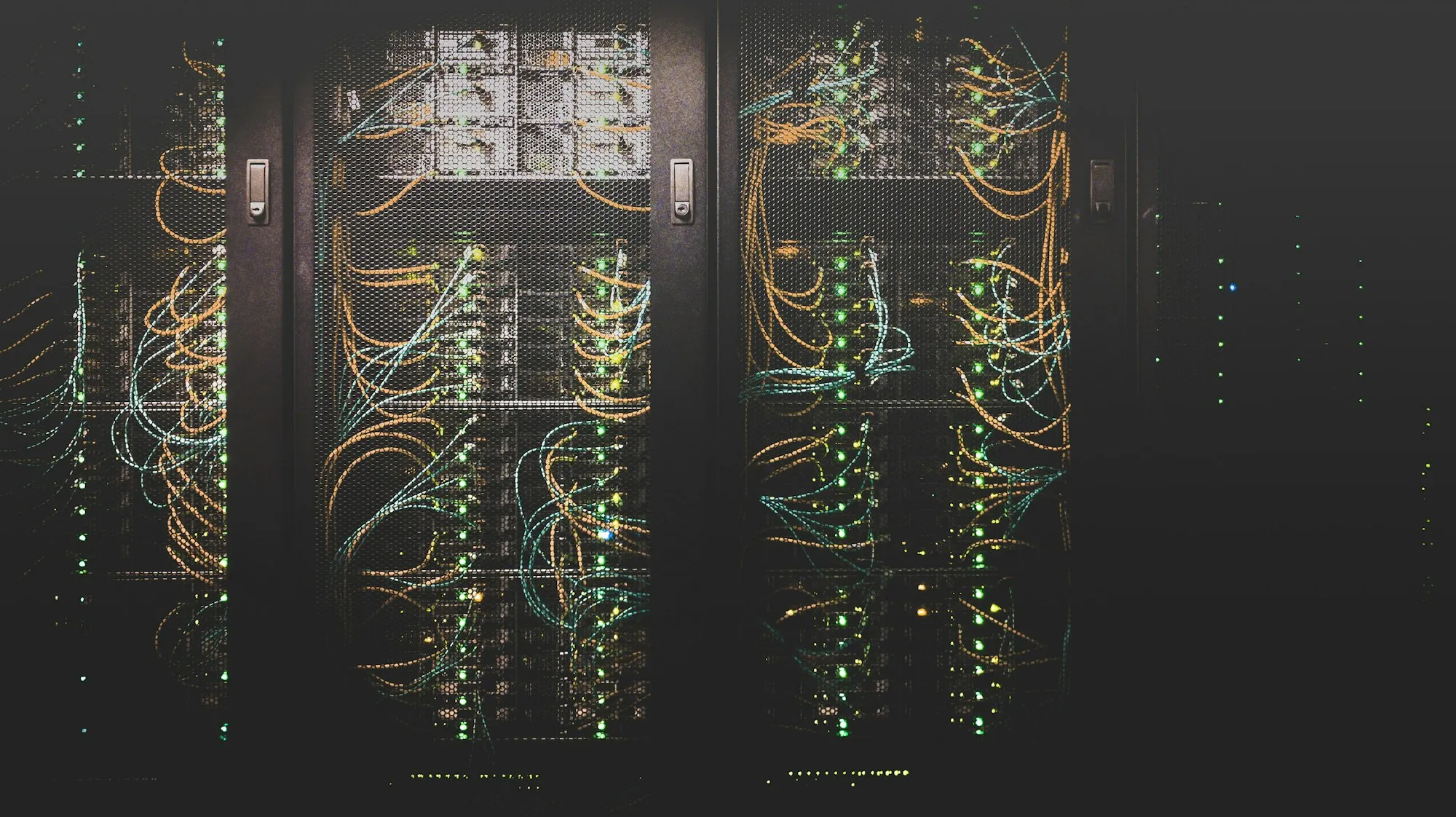
Post-leasing server for the company: when it makes sense and how to choose it
A post-leasing server may reduce the investment cost, but its price says nothing about the condition of the disks, the availability of parts or compatibility with the planned system. We explain what to check before purchasing and when new hardware or a cloud service will be a safer choice.

Bitdefender GravityZone for companies: scope of protection and implementation rules
Bitdefender GravityZone enables central management of supported device protection, policies and alerts. We explain what you need to check in the licence, how to plan the implementation and why the installation of the agent alone does not end the topic of security.

Remote work in a small company: how to prepare IT without chaos
Secure remote work requires managed devices, access controls, backups and support processes. We show how a small company can organise these elements without unnecessary complexity.

The 5 most common IT problems in small businesses and how to solve them
In a small company, even a seemingly minor failure of e-mail, printer or computer can stop customer service. We discuss five common IT problems and show you how to reduce their effects.
Cloud and ERP 5 articles

Mandatory KSeF: How to prepare your business in 2026
The obligation to issue invoices in KSeF is being implemented in stages in 2026. We organise deadlines, exceptions, preparation of authorizations and integrations, and actions needed before switching to the new process.

When to implement ERP in your company? Seven signals and conditions for a good decision
ERP implementation makes sense when scattered data and inconsistent processes make it difficult to operate the company, and the organisation is ready to sort them out. We show signals, organisational costs and conditions for a good decision.

Gemini for Business: AI in Google Workspace
Gemini extends selected Google Workspace applications with content generation, summarization and analysis functions. We discuss practical applications, limitations, licences and principles of safe implementation in the company.

Apple at the company vs Windows: how to choose the equipment to work
The choice between Apple computers and Windows devices should be based on the applications you use, management, security, and overall cost. We show you how to make this decision without relying on the brand itself.

The Apple ecosystem in the company: productivity, security and limitations
Apple devices often arrive at a company individually, without a common management policy. We show when a coherent ecosystem can improve work, and when application or administration limitations dictate a different choice.
Monitoring 3 articles

Replacing analog monitoring with IP in the company
Replacing analog monitoring with IP does not come down to image quality, but rather concerns the architecture: the method of transmission, power supply, recording and integration possibilities. This article shows what this means when modernising, when the old system is really enough and how to carry out the replacement in stages.
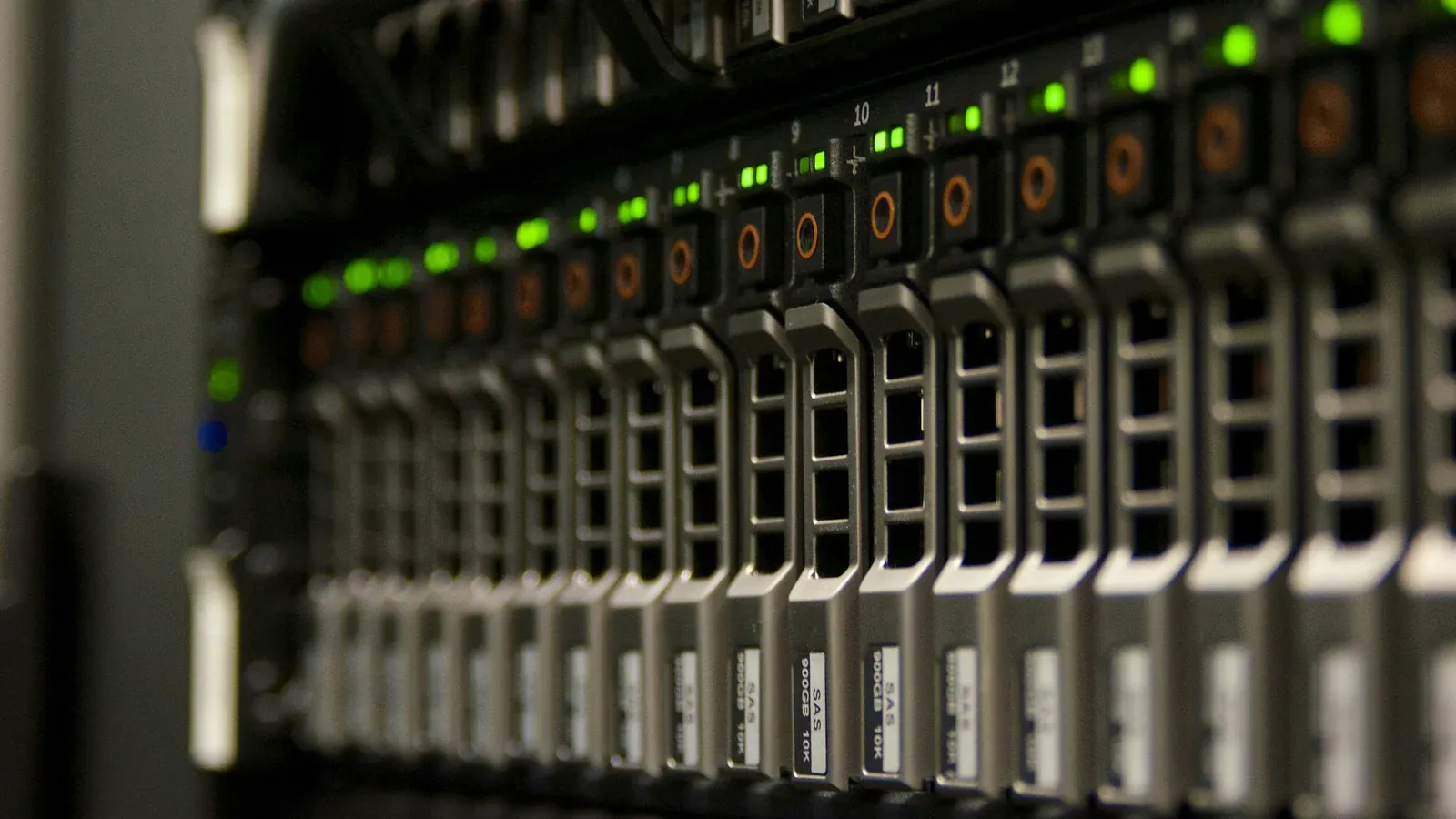
Retention of surveillance recordings in the company: how to determine it
Retention of monitoring recordings is not a technical parameter, but a decision that has both a legal and hardware layer. This article shows how to determine it based on the goal and not on the disk capacity, what determines the space consumption and what you need to remember before choosing a recorder.
CCTV monitoring for the company: how to plan a camera system
Effective monitoring requires defining the goal, proper framing, recording retention and access rules. We show you how to plan a CCTV system and what legal issues need to be assessed before installation.
Free · 60 minutes online · no obligation
An IT review, not a sales call.
- You talk to an engineerOnline, by video call. Not with a salesperson. We don't install or change anything.
- We check 8 areasBackups, access, network, email, server, licences, protection and KSeF readiness.
- You get a scorecardThree priorities on one page, emailed after the meeting. Yours to use however you like.
We don't use a contact form. We answer the phone and reply to emails.