

Wi-Fi for hotel and guesthouse: what is different
Wi-Fi for hotel and guesthouse is part of the service sold, not supporting infrastructure. This changes requirements in five places at once: placement, login, operational network separation, guest service, and maintenance. This article describes each of them.
Wi-Fi for a hotel is a product, not a facility
In the office, a poorly functioning network means nervous employees, while in a hotel it may lead to a rating on the reservation website, which several hundred people will read before choosing accommodation.
This is not a rhetorical difference, because it changes the definition of success and leads to specific design consequences: in an office, the network should carry work, while in an accommodation facility it should act immediately, without help, for someone seeing it for the first time who will leave in two days.
Below we describe five areas where this leads to different decisions than in a typical office.
1. Rooms are not open space
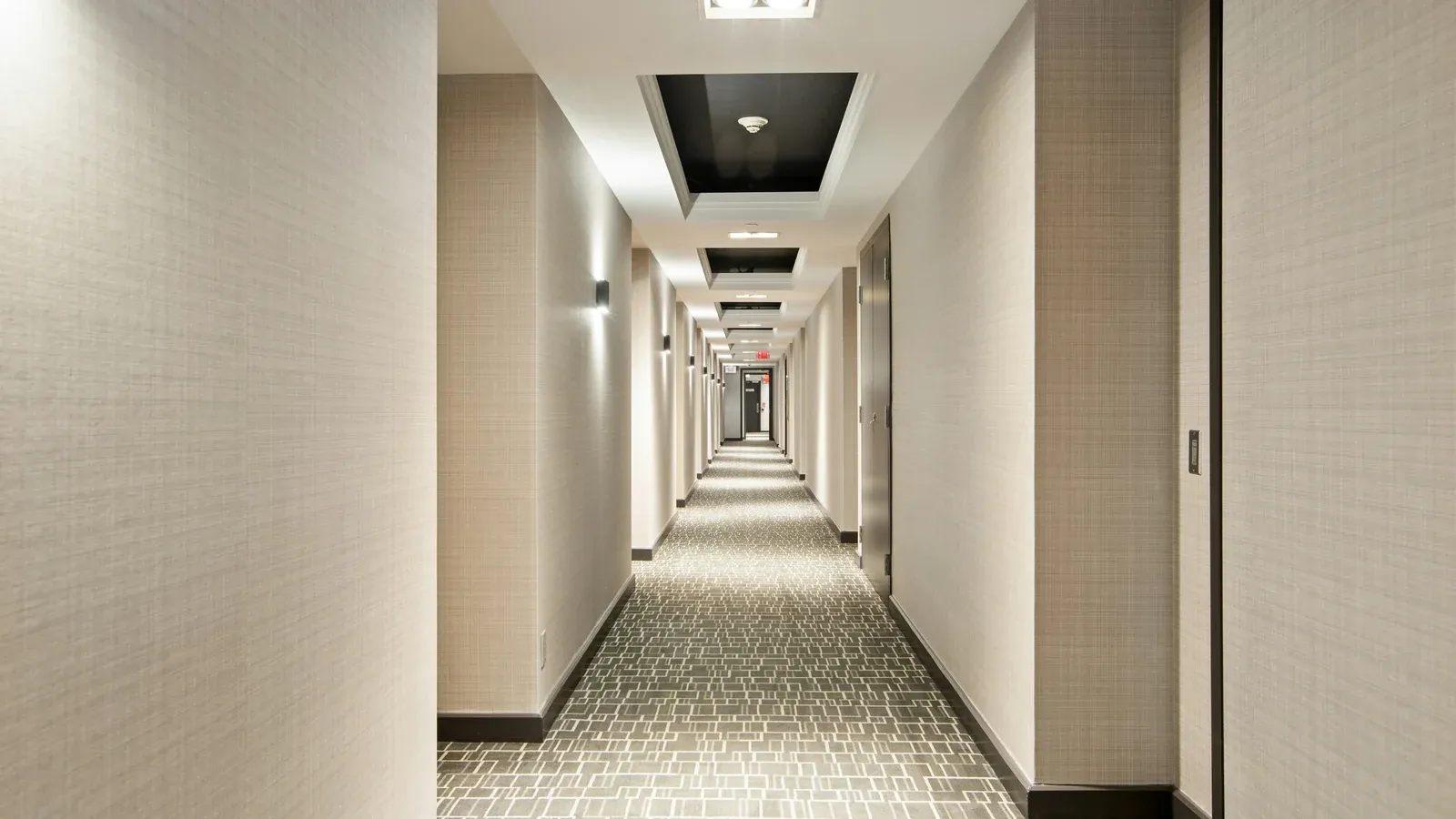
An accommodation facility has a layout that is one of the most challenging for a wireless network, as it consists of many small rooms separated by walls, often made of brick, and sometimes containing installations.
An access point hanging in the corridor seems to save money, although in practice its signal must go through the wall into the room, and when a guest uses the bathroom, also through another partition. This creates a range that is formally present, but a connection that is not suitable for watching a film.
Two solutions used in such facilities:
- access point in each room: usually in wallwork, mounted in the nest place. It solves the problem of the walls completely, requires the cable to be brought to every room,
- points on the corridor in a closer spacingwhen wiring to the rooms is not an option. A compromise that works well with lighter walls.
The choice between solutions is made on the premises, not on the basis of the price list, because if the building is under renovation, connecting cable to the rooms turns out to be many times cheaper now than later.
2. The guest will not call for help, he will only write an opinion
The network in an accommodation facility must work without instructions, which sets the bar higher than in the office, where you can always ask someone.
Practical implications:
- one network name throughout the facility. Not "Hotel-Parter", "Hotel-Pietro1". The guy walking down the hall shouldn't have switched anything,
- simple and repeatable login method. The password on the card in the room works. The portal requiring registration, confirmation and acceptance of three consents generates notifications at the reception,
- stability more important than peak throughput. The guest will remember the dropped connection, not that the transfer was half as slow as at home,
- works on everything. Phones, laptops, consoles, TVs, readers. Guest equipment is random by definition.
It is also worth remembering that guests bring their own network devices, and someone may connect a small router to create "their" network, so a well-designed facility should remain resistant to such a situation.
3. The operational network must be separated
This is the most important technical point, which is most often overlooked in small facilities.
In a hotel, things that have nothing in common work on the same infrastructure:
| Segment | What remote support | Access to the rest |
|---|---|---|
| Guests | random people's devices | internet only |
| Reception and office | reservation system, computers, payment terminal | according to your work need |
| Facility systems | monitoring, access control, air conditioning, controllers | only to the indicated points |
| Management | network device panels | administrators only |
The network where the guest device sees the payment terminal or surveillance recorder remains a problem regardless of whether anyone actually uses this capability.
is also important isolates guests from each other, because in a company network, employees sometimes need to see their devices, while in a hotel, random people's equipment should not communicate with each other. This is a separate setting worth checking as it may be disabled in the default configuration.
The basics of segmentation are described in more detail in the article about corporate network security, showing the role of infrastructure division.
4. The workload is different than in the office
The office has peak load in the morning and after the lunch break, while in the accommodation facility it peaks in the evening when guests return to their rooms and turn on the video.
A few differences worth considering:
- traffic is random and continuous. Video streaming loads differently than working on documents,
- the number of devices per person is high. A guest is usually a phone plus at least one additional device, and a family is six devices in one room,
- occupancy varies. A network designed for average will not last a season,
- link can be a bottleneck, not Wi-Fi. When fully occupied, the problem is often the bandwidth from the operator, not the access points. It's worth checking before anyone replaces equipment.
The last point deserves separate attention because it leads to a costly mistake when the "internet does not work in the evening" symptom is considered a Wi-Fi problem, even though the actual cause is connection saturation. We describe the path separating these layers in the article about what to do when the network is slow.
5. Maintenance, because the facility is working all the time
The hotel does not have a weekend when the network can be turned off, which changes the way work is carried out and makes constant care more justified here than in the office.
Things that require regular supervision in the accommodation facility:
- status of access points in rooms. One failure concerns a guest who paid for the accommodation and will write about it,
- link load during the season. A sufficient network in November may be insufficient in July,
- updates in low occupancy windows, not "at night", because guests use the network at night,
- guest network passwords, if rotated,
- devices supplied by staffwhich go to the wrong segment.
Without remote monitoring, a room point failure is only detected when the guest comes down to the reception desk, a scenario the property wants to avoid.
What this article doesn't settle
An accommodation facility that provides Internet access to guests has obligations that go beyond technology and may include regulations of use, information on data processing at the login portal and responsibility for traffic generated by users.
This is not an area for the network engineer to resolve, so if you are planning a portal with registration, forms or collection of guest data, consult the scope with a lawyer or data protection inspector. Technically, a lot can be done, although not every solution is worth implementing.
The simplest variant, i.e. a password on a card in the room without data collection, is at the same time the least problematic and sufficient for most small facilities.
Common errors
- one access point per floor in a building with brick walls,
- separate network names on floors,
- guest network and reception network in one segment,
- disabled isolation of guest devices between each other,
- consumer equipment in a facility with several rooms,
- login portal requiring more than one click from the guest,
- project calculated for average occupancy instead of per season,
- no one watching the network status between failures.
How we do it
We start with the facility, analysing the layout of rooms, wall material, occupancy in and out of season, and devices operating in the operational network, because only this data determines the number and arrangement of points and the possibility of avoiding wiring to the rooms.
We design segmentation from the beginning, not as an afterthought, because the guest network, reception, facility systems and management are four separate layers also in a small guesthouse.
In corporate networks, we are a Zyxel Networks Partner and we also implement Ubiquiti UniFi, and we select the platform depending on the facility, the number of rooms and who will operate the network.
An accommodation facility is one of the places where constant care pays off the fastest, because a failure costs opinion, not just time. By monitoring the status of access points, we can react before reporting from the reception, update windows with low occupancy and correct the configuration when changes occur in the facility, while the scope and response times are recorded in the contract.
Scope includes building and maintaining corporate networks and constant IT support, depending on the facility's needs.
Book a free IT review and let's discuss how to check your network's behaviour on full cover.