

Network modernisation in an active company without downtime
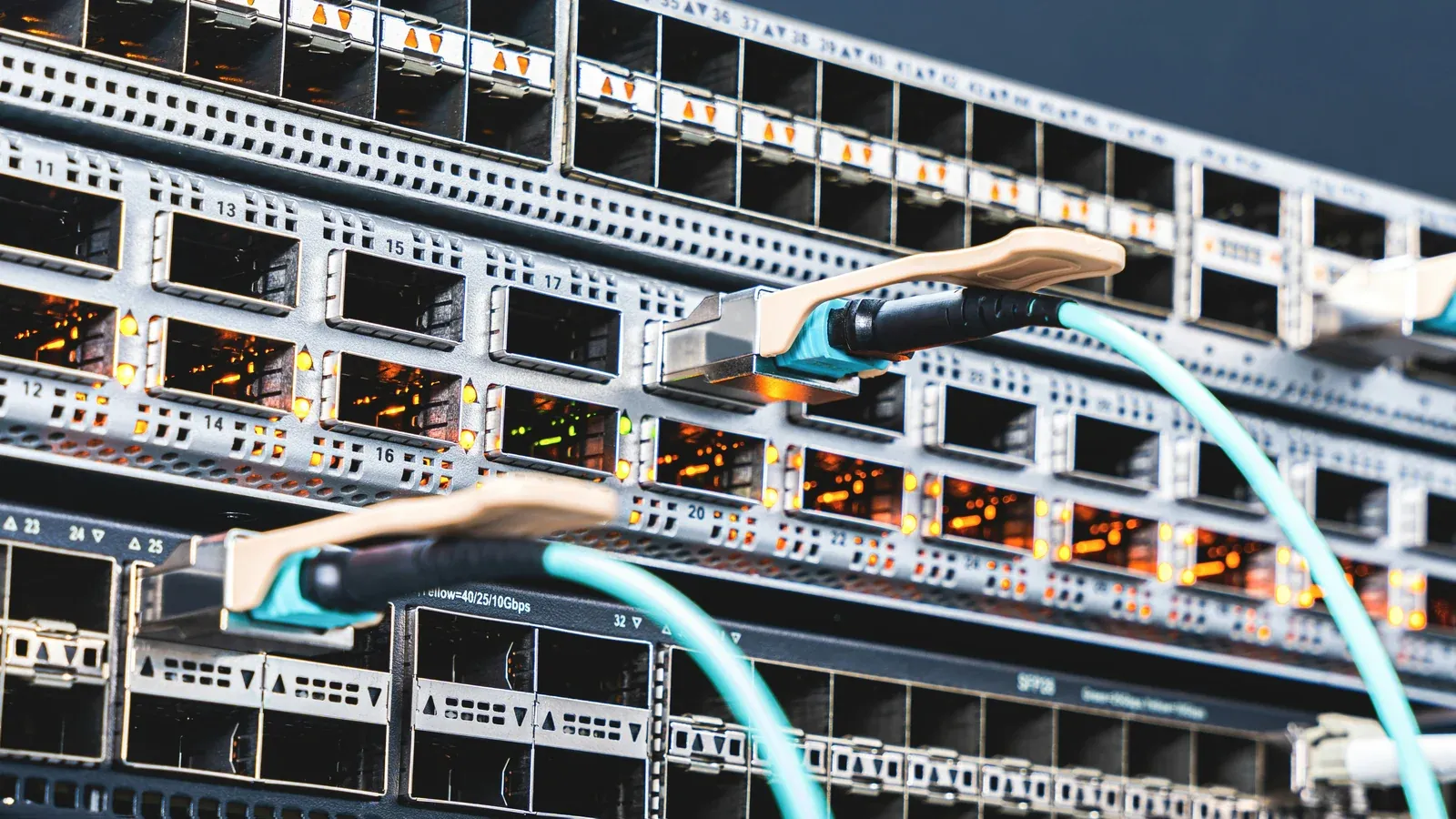
Modernising your corporate network without downtime is more a matter of sequence and contingency plan than the hardware itself. This article describes what to determine before work, how to limit the break technically, when a break is inevitable and why we do not specify the number of days in advance.
Zero interruptions do not exist
Let's start with a sentence you won't hear in most offers: Completely seamless network modernisation is virtually non-existent for small or medium-sized businessesif the current architecture is not prepared for redundancy.
The architectures that make this possible, i.e. duplicate edge devices, redundant links and dual backbone paths, are designed from scratch and cost many times more than a typical modernisation. In a company that has one gateway and one master switch, there will be an interruption.
The real purpose is different and much more useful because the break must be short, planned, fall at an agreed time and be reversible. The difference between good and bad modernisation is not whether a break occurs, but whether someone controls it.
A contractor who promises zero downtime without asking about the architecture either doesn't know your network or isn't communicating all the assumptions.
Why is it more difficult in an active company?
The network is built on an empty facility, while in a functioning company it needs to be built replace on the move, which is a different class of problem:
- old and new infrastructure must coexist for some time,
- not everything can be turned off: cash registers, terminals, warehouse systems, access control, monitoring,
- some devices are only revealed when they stop working because no one remembered about them,
- physical work takes place in the space where people work,
- any error is immediately visible to the entire company.
The last point is also psychologically important, because on a construction site an unsuccessful attempt means a correction, while in an active company it immediately triggers reports from users and management.
What to determine before the first cable
This is the stage where you save the most money, although it is the one that is most often shortened.
Inventory of what actually works: what you need is not a list from a contract from years ago, but the actual situation showing what is connected, to what, through which port and whether it is still in use. Such a list almost always reveals surprises that no one has previously remembered.
List of critical systems and their windows: you need to determine when the company really cannot lose the network, because for production it may be the night shift, for the accounting office the end of the month, and for trading it may be peak hours. The service window is based on this list, not the contractor's convenience.
Switching order: you need to determine which fragments go first, what stays on old hardware, and for how long, with it usually being safest to start with the least critical area to validate assumptions where a shutdown is possible.
Return plan: is the most important and most often omitted point, which is supposed to answer what we do if an element does not work after switching. The old equipment should remain plugged in and ready, the configuration saved, the cables described, and the decision to return should have a defined cut-off point, because without this "fix it until it works" may last until the morning.
Who communicates and how: employees should know in advance that the network will be unavailable during a given window and who to report to if something has not returned, because the lack of this information generates more confusion than the interruption itself.
Technical ways to shorten the break
Preparation of equipment before departure: devices are configured off-site in advance, so installation and re-voltage remain on-site rather than being configured from scratch. This is the easiest way to shorten your window from hours to minutes.
Parallel operation instead of one-to-one exchange: new cabling and devices are installed alongside existing ones, testing them before switching over, which requires more work but reduces the time a company is off the grid.
Phased areas: working floor by floor or department by department, you can replace a long break for everyone with short shutdowns of part of the company, although this requires temporary cooperation of the old and new networks.
Segmentation implemented after switch: VLAN division should only be started when basic connectivity is working, because making both changes at the same time makes it difficult to determine the cause of a possible problem.
Temporary backup link can maintain access while working at the edge if the company cannot lose the internet.
When a break is unavoidable
It is worth being candid here, because it is better to know the limitations before starting:
- edge device replacement on one link,
- switching the main distribution point,
- work on the cabinet power supply,
- change of network addressing if the entire infrastructure requires it,
- failure revealed during work, for example a damaged track that no one knew about.
In these cases, the conversation is not about whether a break will occur, but when it will happen and how long it will last, so it's worth planning for it rather than pretending the problem doesn't exist.
How long does it take
We do not provide the number of days before viewing the facility, because an earlier declaration would be a guess, not a schedule.
The same scope, i.e. replacing active devices in an office for twenty people, may take one service window or two weeks, because the time depends on several things:
| What affects time | Why |
|---|---|
| Whether the wiring stays | Replacing the devices themselves is a different scale than new cable routes |
| Is there documentation | Without a description of the points, the first step is to determine what leads where |
| How wide are the service windows | A company working in two shifts has less time for work |
| How many systems cannot be disabled | Each such system is a separate switching scenario |
| Hardware availability | Delivery times can be longer than the work itself |
| Object status | Closed routes, suspended ceilings, no culverts |
An approximate date can be given after an inspection of the facility, but before the contract, while an earlier number would be a guess, which in the schedule ends with a postponement and complaints from both parties.
It's also worth saying something unpopular: "right now" can be more expensive, because modernisation pressed into too tight a deadline means more off-the-clock work, less time for testing, and a greater risk of rework later.
After completion of work
Modernisation does not end when the network becomes operational, but when complete documentation remains.
- acceptance tests: track measurements, checking port negotiated speeds, verification of segmentation and traffic rules, wireless coverage test where it matters,
- post-executive documentation: diagram, description of points, list of devices, segment configuration,
- transfer of full administrative rights for the company, not only for work access,
- removal of old infrastructure or consciously leaving it with a description of what it is for,
- stabilization period: The first days after the switch reveal things that didn't show up in the tests.
What exactly should be included in the protocol is described in the article about network acceptance protocol and as-built documentation, organising the reception range.
Modernise your corporate network without downtime: who runs it
Modernisation under traffic requires one person responsible for the sequence, communication and decision on a possible return, because dispersing this responsibility among several contractors often leads to exceeding the service window.
We can carry out the modernisation as a project including an inspection, switchover plan, service window, testing, documentation and transfer of rights, so the network remains yours and can be maintained by yourself or with your own IT specialist.
We can also provide it with constant care later, monitoring the condition of devices, updating in agreed windows, handling notifications and maintaining documentation consistent with reality, while the scope and response times are recorded in the contract.
In corporate networks, we are a Zyxel Networks Partner and we also implement Ubiquiti UniFi, and the choice of platform depends on the facility, scale and who will operate the network.
We perform most of the configuration work remotely, planning tasks separately on site, and the division of both scopes is described in the article about remote and on-site IT support.
The scope of implementation includes: building and maintaining corporate networks, from inspection to subsequent supervision.
Book a free IT review and let's determine how long the service window is realistic in your case.