

Ubiquiti UniFi for companies: opportunities and limitations
UniFi can make it easier to centrally manage a company's network, but it won't fix poor radio design, cabling, or segmentation. We discuss ecosystem components, uses, and limitations.
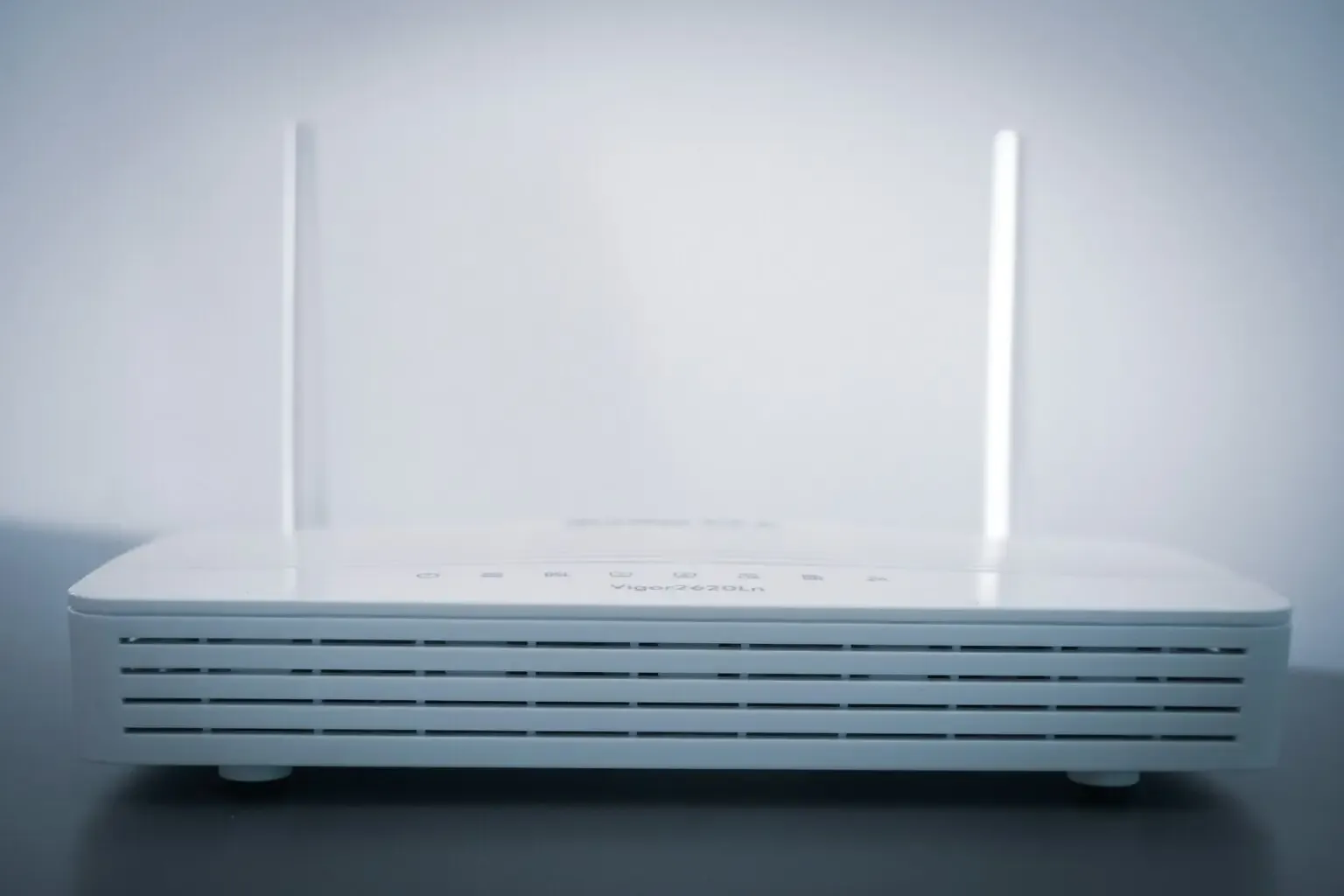
Ubiquiti UniFi is a platform that includes, among others, network gateways, switches, access points and central management tools. It may be a good choice for an office, warehouse or service facility if its capabilities meet the organisation's requirements. However, the device brand itself does not guarantee range, performance or security.
What does the UniFi network consist of
A typical installation may include:
- network gateway, which handles internet connection, routing and firewall rules;
- managed switches, which connect wired devices and can power compatible devices via PoE;
- access points Wi-Fi, deployed based on radio conditions and expected load;
- UniFi Network application, for configuring and observing compatible devices;
- optional components of other UniFi families, for example a video surveillance system.
The specific model should be selected according to the required number of ports, PoE power budget, bandwidth, number of clients, Wi-Fi standard and expected support period. The product name or the declared maximum radio speed are not sufficient for a correct design.
Central management
A common console makes it easier to maintain multiple devices. Depending on the components and configuration used, the administrator can:
- create networks and assign VLAN IDs to them;
- configure Wi-Fi networks and access policies;
- observe the status of devices and connections;
- deploy updates;
- analyse events and basic statistics;
- make copies of the configuration.
Central panel reduces the number of places you need to make changes. However, it does not exempt you from creating documentation, backups or disaster recovery procedures.
Network segmentation
UniFi supports the mechanisms needed to logically separate traffic, but simply creating several VLANs does not provide isolation. You still need to configure routing and firewall rules and then test them in practice.
In a typical project, for example, you separate:
- computers and business phones;
- guest devices;
- printers and IoT devices;
- cameras and recorders;
- administrative devices.
The division should result from the risk analysis. Too many segments complicate maintenance, and too few can unnecessarily increase the impact of a single device takeover.
The Wi-Fi project is more important than the number of access points
There is no universal rule that one access point serves a specific area. The result is influenced by, among others, walls, ceilings, interference, installation height, number of users, type of devices and application requirements.
The correct process includes:
- gathering coverage, capacity and availability requirements;
- analysis of building documentation or site inspection;
- preliminary device layout design;
- radio measurements when conditions or project risks so require;
- post-installation tests and corrections of power, channels and bandwidth.
Adding additional APs without a plan may increase interference. Roaming also depends not only on the infrastructure, but also on the behaviour of the client device.
Updates and maintenance
Once launched, the network requires constant care. Firmware updates should first be evaluated and, if possible, tested outside of production. You also need to keep a copy of the configuration and a rollback plan.
Basic maintenance tasks include:
- overview of alerts and device status;
- PoE link utilization and budget control;
- periodic verification of administrator accounts;
- documentation update after changes;
- configuration recovery test;
- checking manufacturer information on support and vulnerabilities.
Remote management can shorten diagnostics, but should be secured with strong authentication, minimal permissions and access controls.
Implementation cost
A reliable price cannot be calculated solely based on the number of employees or the office space. The cost is influenced by:
- number and type of devices;
- existing cabling and necessary installation work;
- spare ports and PoE power;
- redundancy and emergency power requirements;
- measurements, configuration, tests and documentation;
- maintenance, monitoring and service response time.
Some of the basic management features of UniFi do not require a separate subscription for each device. However, this does not mean zero maintenance costs: the company still incurs the cost of administration, updates, backups, repairs and possible support. Licence terms and service availability must be confirmed before purchase.
When UniFi may be a good choice
The platform is worth considering when a company needs consistent wired and wireless network management and its requirements are within the capabilities of selected devices. It's a good fit for many small to medium-sized installations, especially when the administration team is familiar with the platform.
UniFi may not be the best choice if your organisation requires a specific manufacturer support contract, guaranteed repair time, extensive operator features, specific certifications, or integrations not available on this platform. This decision should be made based on requirements, not overall manufacturer rankings.
What does the implementation look like?
The process performed by NexaIT may include:
- infrastructure inventory and requirements gathering;
- physical and logical design of the network;
- device selection and compliance verification;
- preparation of configuration and migration plan;
- assembly, range, performance and insulation tests;
- documentation and access transfer;
- agreed monitoring and maintenance.
The exact scope depends on the condition of the existing installation and customer requirements.
Frequently asked questions
Is UniFi only for large companies?
No. The platform can be used in installations of various scales. Suitability is determined by technical and operational requirements, not the number of people employed.
Does the UniFi network work without an administrator?
Once properly configured, the network can operate without daily intervention, but still requires updates, monitoring, configuration backups, and failure response. The scope of care should correspond to the importance of the network for the company's operations.
Will UniFi always be better than a consumer router?
Not always. In a very simple environment, a consumer device may meet basic needs. When central management, segmentation, multiple access points, and predictable maintenance are needed, a business platform typically gives the administrator more control.
Summary
UniFi can provide consistent enterprise network management, but the effect depends on design, configuration and maintenance. Before purchasing, it is worth determining the requirements, checking the manufacturer's current specifications and taking into account the full operating cost.
NexaIT designs and implements corporate networks after analysing the conditions of a specific facility. Contact usif you need network audit or design.