

Remote work in a small company: how to prepare IT without chaos
Secure remote work requires managed devices, access controls, backups and support processes. We show how a small company can organise these elements without unnecessary complexity.
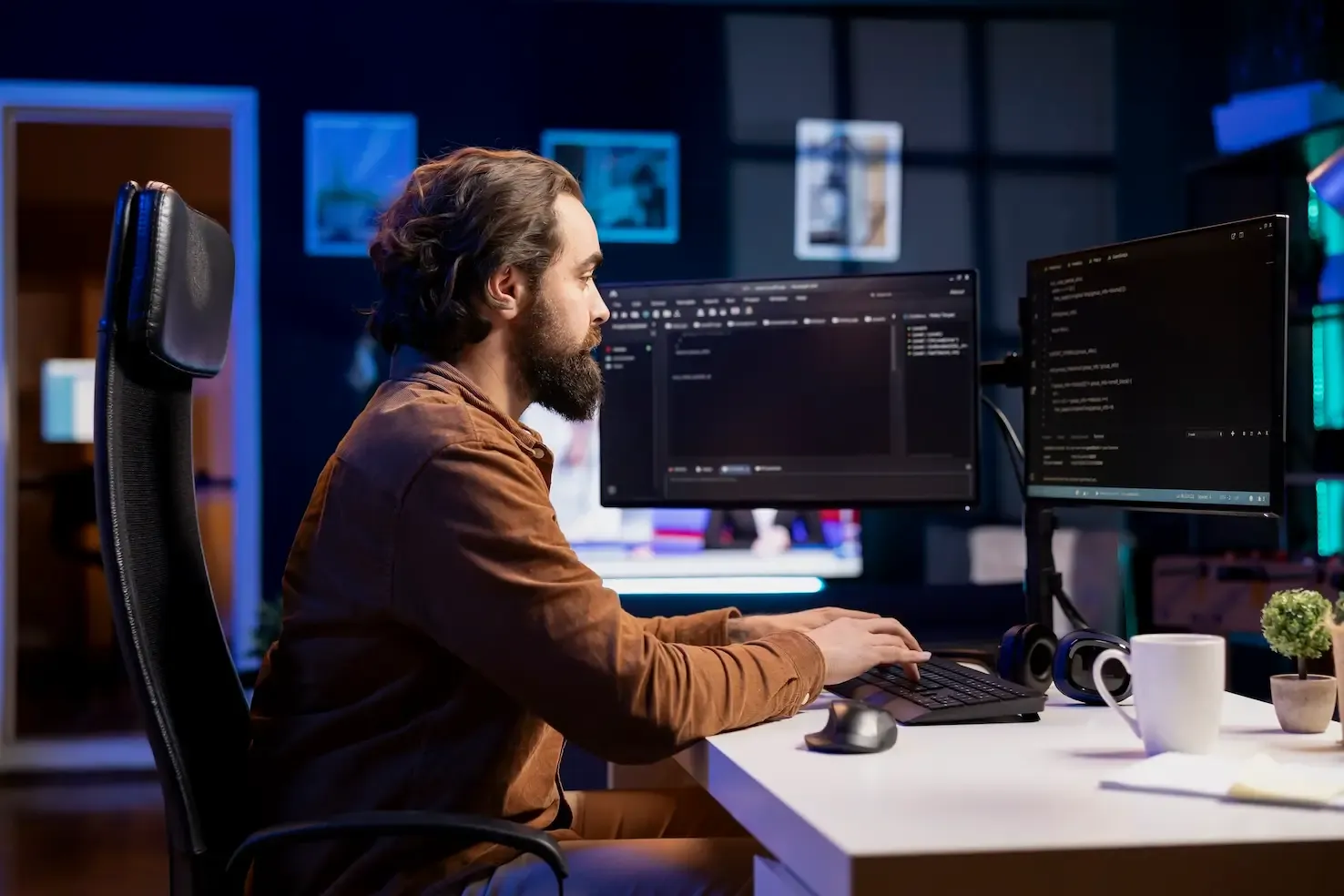
In many Polish companies, working outside the office has become a standard, as it were, by prescription. It started as a necessity, then it turned out to be convenient, and today it is simply an element of everyday life. However, unlike large corporations that have spent months implementing procedures and safeguards, remote work in a small company is often still based on improvisation.
Model "somehow it works" works well for the first major incident. It may be a failure of a key laptop for which no one knows the administrator password, accidental deletion of a folder with offers that is not in the backup, or the departure of an employee who takes with him not only knowledge, but also access to company resources on a private drive.
Chaos in IT does not result from the bad will of owners or employees. It results from the lack of time to put the technological foundations in order. This article aims to show how to move from the stage of "it works somehow" to the stage of "we have control over it", without investing budgets at the bank level and without employing a staff of IT specialists.
Why does remote work in a small company often end in chaos?
A major problem in the SME sector (Small and Medium Enterprises) is to treat temporary solutions as final ones. When switching to remote or hybrid mode, decisions were made quickly: "take your laptop home", "install a VPN", "send it by email".
When this condition lasts for years, technological debt is created. It manifests itself in several key areas:
- No centralization. Each employee organises work in his own way. One keeps files on the desktop, the second on Google Drive, the third on a pendrive. The company loses control over where its intellectual property resides.
- Mixing private and business spheres. Using private computers for work (without proper protection) or company laptops for private purposes of household members is a direct path to virus infections and data leakage.
- Fuzzy responsibility. When something doesn't work, the employee tries to fix it himself, asks "a friend who knows” or calling the business owner. The lack of a clear support path causes frustration and downtime at work.
The result is an IT environment that is unpredictable. The company owner does not know whether the data is safe, and employees waste time fighting technology instead of focusing on their tasks.
What needs to work to make remote work in a small company safe and effective
For remote work to be effective and safe, the technology must be transparent to the user. It's not about buying the most expensive software on the market. The point is to define the rules of the game.
The foundation of a stable remote work environment is four pillars:
- Availability: The employee must have access to the same resources at home as in the office, in an equally easy way.
- Security: Company data must be protected regardless of whether the laptop is on-site or in a coffee shop.
- Communication: There must be one official standard for exchanging information and files.
- Support: The user must know who to contact when technology fails.
Tools are secondary to these principles. The best videoconferencing system will not help if the employee does not have a stable connection or a working computer.
Remote work equipment: what is the minimum?
In an ideal world, every employee receives uniform, managed equipment from the company. The reality of small companies varies, but certain standards are non-negotiable from the point of view of business continuity.
If a company provides laptops, they should be standardised. This means the same operating system (e.g. Windows 11 Pro) and the same set of applications. Why is it important? Because in the event of a failure, it is easier to replace equipment or solve a problem that is repeatable rather than unique to one device.
Key requirements for remote equipment:
- Disk encryption (e.g. BitLocker): It's an absolute necessity. If the laptop is lost or stolen, the encrypted disk will prevent people from reading the data. Without this, laptop theft is not only a loss of equipment for several thousand zlotys, but a potential violation of the GDPR and loss of reputation.
- User accounts without administrator privileges: A worker shouldn't work on an administrator's account every day. This is one of the most effective methods of protection against malware, which is often installed “by the way” other activities.
- Managed Antivirus: Free solutions that no one has control over are not enough. The company should be able to see whether the antivirus on the employee's computer is active and up to date.
In model BYOD (Bring Your Own Device), where the employee uses private equipment, the situation is more difficult. In such a case, it is recommended not onlywork on a private computer“which treats it only as a terminal access to cloud resources, without the ability to download data to a local disk.
Access to data and systems
The biggest sin of remote work in small companies is working on local files. Documents saved on the desktop in the "Downloaded” or sent to each other by e-mail endlessly ("presentation_v3_final_ost.pptx") is a recipe for disaster.
To organise data access:
- Data must be in a central repository. It could be the cloud (SharePoint, OneDrive, Google Drive) or corporate server, but it must be one place that is archived regularly.
- No more VPN for everything. Traditional VPN (Virtual Private Network) can be cumbersome, slows down the connection and often drops the connection. Modern IT environments allow for secure access to most resources (mail, files, ERP) directly through the browser or dedicated applications, while maintaining high security standards.
- Principle of least privilege. An employee should only have access to the data he needs for his work. Reception doesn't need to see accounting, but a merchant needs to see the personnel records. In the office, we rarely leave the filing cabinets open, and in IT, we should use the same logic.
Security when working remotely
Small business owners often assume that "they are too small to be targeted". . This is a mistake. Hackers rarely target a particular small company. They're using vending machines that scan the network for poorly secured victims. A small company is an ideal target, because it is usually easy to encrypt (ransomware) and extort ransom.
However, remote work security does not require building a fortress. Requires hygiene:
- Multi-factor authentication (MFA/2FA). This is the most important recommendation in this article. Each login to e-mail, cloud storage or CRM system from outside the office must be confirmed with the second component (e.g. by SMS code or notification in the phone application). In practice, authentication applications are a safer solution than SMS, but any form of MFA is incomparably better than just a password.
- Updates. Operating systems and applications must be updated. Vulnerabilities in outdated software are an open door for cybercriminals. In well-managed IT, updates are forced automatically so that the user cannot postpone them indefinitely.
- Backups (Backup). File synchronisation with the cloud (e.g. OneDrive) is not a backup. If the virus encrypts files on your computer, the encrypted versions will sync to the cloud. A real backup is a separate copy of data, separated from the current work environment, from which you can recover files from before the failure.
IT Communication and Support
IT problems are often solved in a stationary office "over the shoulder" or by calling an IT specialist who happens to be nearby. This model does not work when working remotely.
Communication chaos ("I wrote to the IT specialist in messenger, but he doesn't reply", "I reported it over coffee a week ago") makes it difficult to determine the order and status of reports. We need one official channel for reporting problems. This can be a dedicated email address (e.g. pomoc@twojafirma.pl) or a simple reporting system.
Thanks to this, we gain:
- Problem log. We know what breaks most often.
- Queuing. Reports are processed according to priority, not who shouts loudest.
- Accountability. It is known who dealt with the problem and when.
For a small business, working with an external IT partner (MSP) can ensure team replacement and agreed response times. However, the actual scope of availability and liability must result from the contract and not from the name of the service itself.
Remote work and Microsoft 365 / Google Workspace
Most small businesses use Microsoft 365 or Google Workspace. Unfortunately, they often use these powerful platforms as just “email and Excel.”
Purchasing a licence alone does not solve chaos problems. It's like buying a modern car and never adjusting the mirrors or seat. These environments offer built-in device and security management mechanisms that are often disabled or unconfigured.
A properly implemented cloud environment allows for:
- Remotely wipe data from a company laptop in case of theft.
- Automatic configuration of e-mail and file access on an employee's new computer in just a few minutes.
- Block logins from suspicious locations (e.g. from another continent).
The key is not so much the purchase of the tool, but its proper configuration to suit the company's specific needs.
The most common mistakes made by small businesses when working remotely
To check where your company stands, review the list of most common negligence cases below. If most of the points sound familiar, it's a sign that your IT needs attention.
- Password sharing. A sticky note with the server password stuck to the monitor or a text file "passwords.txt" on a shared drive.
- No employee departure procedure (offboarding). A former employee has access to e-mail and files for weeks after the termination of the contract because no one blocked his account.
- Temporary turned permanent. Solutions implemented "per week" in 2020 are still operational today, even though they are inefficient and dangerous.
- No data recovery tests. The company makes a backup, but no one has ever tried to recover anything from it. At the time of failure, it turns out that the copy is damaged or incomplete.
Summary: how to prepare IT without revolution
Organising IT in a small company does not have to mean a revolution, stopping work for a week and replacing all computers. This is a process that can, and even should, be carried out in stages.
Start with inventory: Check who has access to what data and what equipment they work on. Then secure the identity (MFA implementation) and take care of backups. Only in the next steps should you focus on hardware standardisation and advanced cloud configuration.
The goal is not to create a perfect, sterile corporate environment, but to build a stable operational framework. Those in which remote work in a small company is safe, predictable and simply convenient, both for the employee and the owner.
If the current remote work model in your company makes you anxious and you feel that it is based more on luck than on procedures, it is a good time to talk about organising this area. W NexaIT we help companies organise and stabilize their IT environment in a way that suits their scale.